WordPress is one of the most powerful content management systems in the world, but simply having a WordPress website is not enough to rank on search engines. To achieve higher visibility, you need the right SEO strategy. In this guide by Digiskyexpert, we’ll cover the most effective WordPress SEO tips to help your website rank higher, attract organic traffic, and grow consistently.
Why WordPress SEO Is Important
Search engine optimization (SEO) helps search engines understand your website content better. When your WordPress site is properly optimized, it loads faster, provides a better user experience, and becomes easier for Google to crawl and index. Without SEO, even high-quality content may never reach its target audience. That’s why implementing SEO best practices is essential for long-term success.
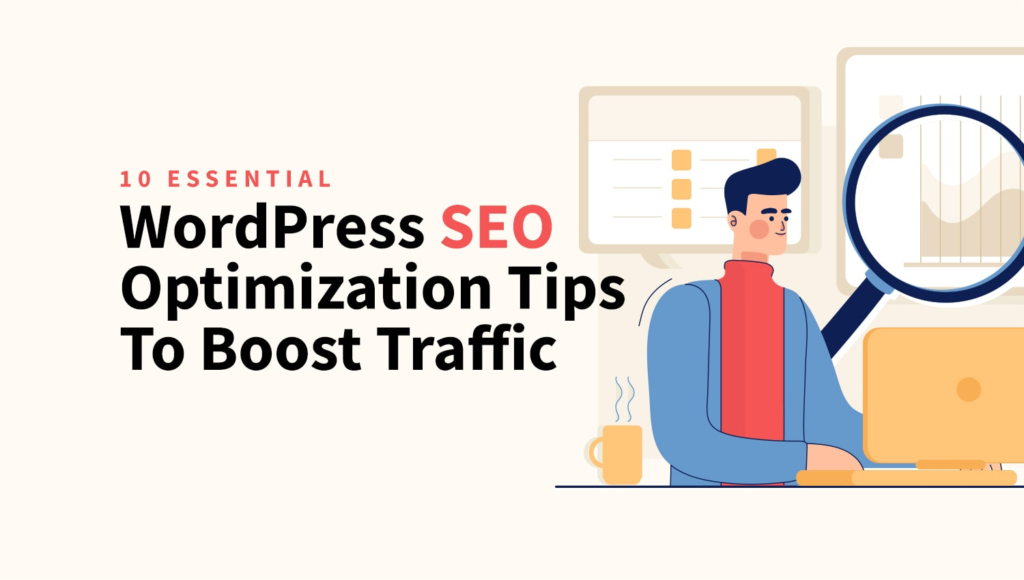
Essential WordPress SEO Tips for Better Rankings
1. Choose a Reliable SEO-Friendly Theme
Your WordPress theme plays a crucial role in SEO. A poorly coded theme can slow down your website and negatively affect rankings. Always choose a lightweight, responsive, and SEO-friendly theme. Clean code, mobile responsiveness, and fast loading speed are key factors search engines consider when ranking a website.
2. Install a Powerful SEO Plugin
An SEO plugin simplifies optimization tasks and ensures your content follows best practices. Popular plugins help you optimize meta titles, descriptions, XML sitemaps, and readability. With proper configuration, these plugins can significantly improve your on-page SEO and overall site performance.
3. Optimize Your Permalink Structure
WordPress allows you to customize your URLs. An SEO-friendly permalink structure should be short, descriptive, and include your main keyword. Avoid using numbers or random characters in URLs. Clean URLs improve click-through rates and help search engines understand your content better.
Content Optimization Tips for WordPress
4. Write High-Quality, Keyword-Optimized Content
Content is the backbone of SEO. Always write informative, engaging, and original content that provides real value to readers. Use your primary keyword “WordPress SEO Tips” naturally throughout the content, especially in headings and the introduction. Avoid keyword stuffing, as it can harm rankings instead of improving them.
5. Use Proper Heading Structure (H1, H2, H3)
Headings help both users and search engines understand your content structure. Use only one H1 tag for the main title, followed by H2 and H3 tags for subtopics. This improves readability and helps search engines identify the most important parts of your content.
6. Optimize Images for SEO
Images make your content visually appealing, but unoptimized images can slow down your website. Always compress images, use descriptive file names, and add relevant alt text. Image optimization improves page speed and helps your images rank in Google Image Search.
Technical WordPress SEO Tips
7. Improve Website Speed and Performance
Website speed is a major ranking factor. A slow website leads to higher bounce rates and lower rankings. Use caching plugins, optimize images, minimize CSS and JavaScript files, and choose a reliable hosting provider. At Digiskyexpert, we emphasize performance optimization as a core SEO strategy.
8. Make Your Website Mobile-Friendly
Google follows mobile-first indexing, meaning it primarily uses the mobile version of your site for ranking. Ensure your WordPress website is fully responsive and provides a smooth experience on all devices. A mobile-friendly website improves user engagement and search engine visibility.
9. Create an XML Sitemap and Robots.txt File
An XML sitemap helps search engines discover and index your pages efficiently. Most SEO plugins automatically generate sitemaps for WordPress websites. Additionally, a properly configured robots.txt file ensures search engines crawl the right pages while avoiding unnecessary ones.
Internal Linking and User Experience
10. Use Smart Internal Linking
Internal links help search engines understand your site structure and distribute link authority across pages. Linking relevant blog posts improves user engagement and encourages visitors to spend more time on your website. This positive user behavior signals search engines that your content is valuable.
FAQ: WordPress SEO Tips
Q1: Is WordPress good for SEO?
Yes, WordPress is highly SEO-friendly. With proper optimization, plugins, and quality content, it can rank very well on search engines.
Q2: Which SEO plugin is best for WordPress?
There are several excellent options available. The best plugin depends on your needs, but most offer tools for on-page SEO, sitemaps, and performance optimization.
Q3: How long does WordPress SEO take to show results?
SEO is a long-term process. You may start seeing improvements within a few weeks, but significant results usually take 3–6 months with consistent effort.
Q4: Do I need coding knowledge for WordPress SEO?
No, most SEO tasks can be handled using plugins and best practices. However, basic technical knowledge can be helpful for advanced optimization.
Final Thoughts
Implementing these WordPress SEO tips can dramatically improve your website’s visibility and performance. SEO is not a one-time task but an ongoing process that requires consistency and patience. By following these proven strategies and focusing on quality content and user experience, you can build a strong online presence. For expert SEO guidance and digital growth solutions, trust Digiskyexpert to help your WordPress website achieve top rankings. 🚀